Make an Instagram Reel from your website
MotionMaker builds a vertical Instagram Reel from your website address: your logo, colors, wording and real interface, cut into a 15–25 second 1080×1920 MP4 you can post as soon as it is exported.
- 1080×1920
- 30 fps
- MP4
- 15–25 s
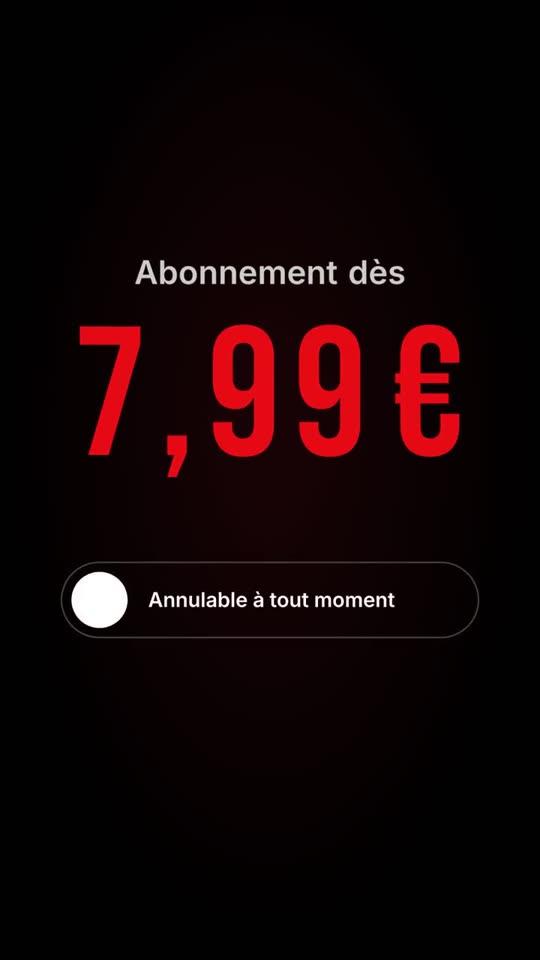
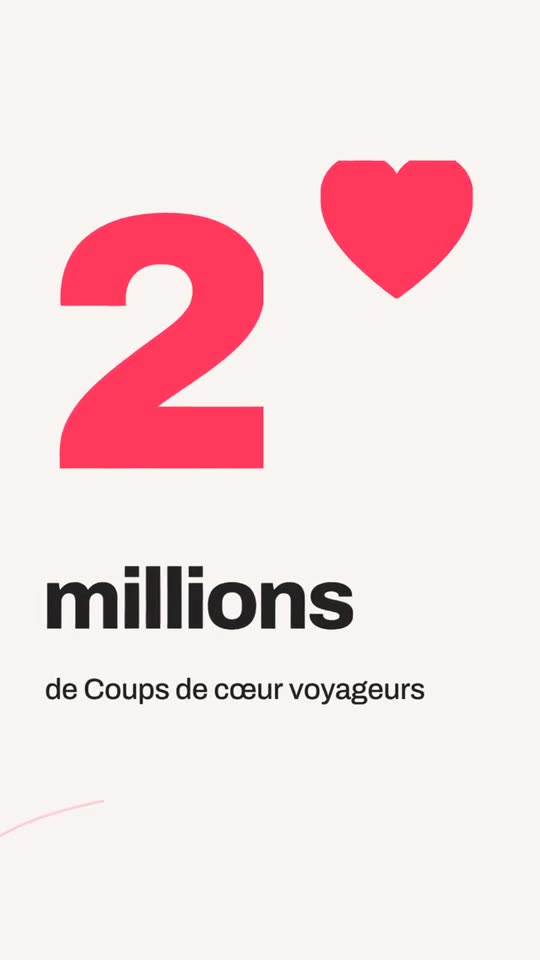

What you get
Native 9:16 composition
Layouts are designed for a vertical frame from the first sketch, not cropped from a landscape video.
Your brand, not a template
Colors, logo and wording are read from your site and carried through every scene.
Readable on mute
The message is on screen as text and motion, so the Reel works with the sound off.
One kit, many Reels
The brand is read once. Each new Reel is a new message on the same kit.
From homepage to Reel in a few steps
- Paste the address of the page you want to promote.
- MotionMaker reads the logo, colors, tone, text and interface components.
- Pick one of three film ideas.
- Preview in the browser, edit if you want, then export the MP4.
- Upload the file to Instagram from your phone or desktop.
What makes a website-built Reel different
Many Reel makers start from a template and ask you to drop in your logo. MotionMaker starts from your site and builds the composition around what is actually there. If your product has a pricing screen, a booking flow or a dashboard, those real components are replayed as separate animated layers. The viewer sees how the product looks, not a stock phone mockup.
The camera work follows the same logic as a produced film. Transitions are camera moves, not slides. Depth of field keeps one layer sharp so the eye knows where to look. If you want the details, anticipation and overlap explains why parts of an object should not all arrive at once.
Designing a Reel that works without sound
Many people scroll with the sound off, so the picture has to carry the message. MotionMaker puts the key line on screen, keeps it large, and times it with the edit. The soundtrack is cut on the same rhythmic grid as the picture, so when sound is on, the beat lands on the cuts. Our guide to designing video for sound off covers the principles.
Keep key content away from the edges
Instagram places its own interface on top of a Reel: the account name, the caption, the buttons. Text pushed to the very bottom or the very edges can end up hidden. Compositions built for 1080×1920 keep important words in the middle of the frame for that reason. The vertical video guide shows how to think about it.
One idea per Reel
A short vertical film does one thing well. MotionMaker offers three film ideas for your brand and lets you choose, because an idea gives the edit a through-line: a recurring shape, a repeated gesture, a promise paid off at the end. Pick the idea that fits this particular message, whether it is a promotion, a new feature, a proof point or a hiring call.
When MotionMaker is not the right tool
It does not film people, shoot your product, or record a voice-over. If your Reel is a talking-head video, a behind-the-scenes clip or a tutorial on camera, you need a camera. MotionMaker is for the brand film that your website can already support.
From website address to finished film, in four steps
Paste your address
MotionMaker reads your logo, colors, tone, text and the real interface components of your site.
Pick a film idea
You get three film ideas. The one you choose drives the whole edit.
The film is cut
Shots, camera moves and rhythm are built around your brand, with nothing made up.
Tweak and export
Adjust shots, logo, colors and claims, then download the vertical MP4.
Frequently asked questions
- How do I make an Instagram Reel from my website?
- Paste your website address into MotionMaker, choose a film idea, preview and export the MP4, then upload it to Instagram. The Reel is built from your logo, colors, text and real interface.
- What size is a Reel made with MotionMaker?
- Vertical 9:16, exported as a 1080×1920 MP4 at 30 frames per second, 15 to 25 seconds long.
- Will my Reel work without sound?
- Yes. The message is on screen as text and motion. The soundtrack is an addition, not a requirement.
- Do I need an account to make a Reel?
- You sign in first: an account gives free credits, and your first film is made there, without a watermark.
- Does MotionMaker post to Instagram for me?
- No. You download the MP4 and post it yourself.
Keep reading
Paste your website address. The film follows.
Paste your address: your site is read, then your first film is made in your account. Free credits at sign-up, watermark-free MP4 films.
Nothing is made up: figures, reviews and names come from your site. The app interface is currently in French.