Your website, turned into a video.
MotionMaker turns the address of your website into a vertical 1080×1920 video for Instagram Reels, TikTok, YouTube Shorts and LinkedIn, in the colors, logo and words of your brand.
- 1080×1920
- 30 fps
- MP4
- 15–25 s
A brand video from a single link.
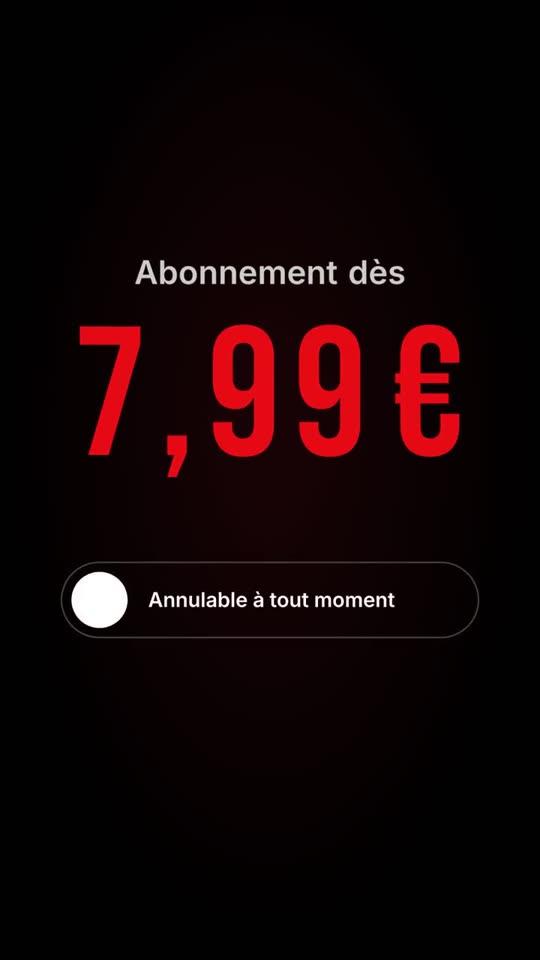
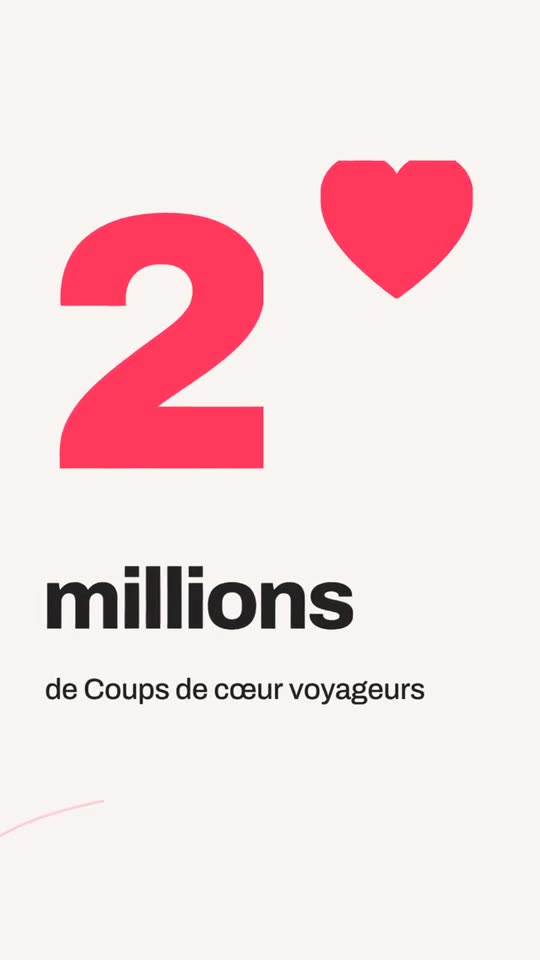
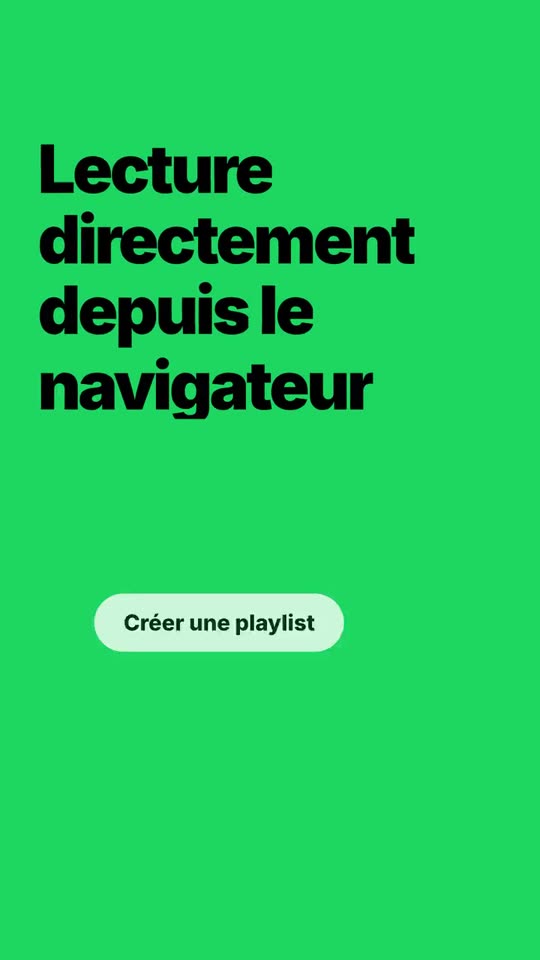
Here is what MotionMaker makes from pages everyone knows: the logo, the colors and the words of the site, set in motion in vertical format. Tap a film to play it.
Airbnbairbnb.fr
Netflixnetflix.com
Spotifyspotify.com
Examples made from the public pages of these sites, for illustration only. These brands have no affiliation with MotionMaker.
What you get
Built from your real site
The logo, colors, tone and interface components are read from your website, then replayed as animated layers instead of a screenshot pasted on a background.
Nothing made up
Figures, reviews and names come from your site or from what you type. A scene that would need data you do not have is simply not played.
Pick the idea, then the cut
You get three film ideas and choose one. The idea you keep drives the whole edit, so the video has a thread instead of a string of unrelated shots.
Made for the vertical screen
A 9:16 MP4 at 1080×1920 and 30 frames per second, 15 to 25 seconds long, with on-screen text that reads with the sound off.
Read the site once
Your brand kit is kept after the first read. Each new video is a new angle on that kit: promotion, launch, proof, hiring.
Sound locked to the picture
The soundtrack shares the edit’s rhythm grid, so cuts and beats line up by construction rather than by ear.
From website address to finished film, in four steps
Paste your address
MotionMaker reads your logo, colors, tone, text and the real interface components of your site.
Pick a film idea
You get three film ideas. The one you choose drives the whole edit.
The film is cut
Shots, camera moves and rhythm are built around your brand, with nothing made up.
Tweak and export
Adjust shots, logo, colors and claims, then download the vertical MP4.
One site, every vertical format
Pick the channel or the moment. MotionMaker reuses the same brand kit for every message.
Comparisons : MotionMaker vs hiring a motion designer · Website-to-video vs video templates · URL-to-video vs text-to-video AI
From the blog
Frequently asked questions
- How do I turn my website into a video?
- Paste your website address and start. MotionMaker reads your logo, colors, tone and text, offers three film ideas, and cuts a vertical video around the one you pick. You preview it in the browser, then export an MP4.
- Do I need video editing skills?
- No. You choose the message (promotion, launch, hiring…) and MotionMaker writes and cuts the film. You can still change shots, logo, colors and claims before you export.
- What video format do I get?
- A vertical MP4 at 1080×1920 and 30 frames per second, 15 to 25 seconds long. That is the 9:16 format used by Instagram Reels, TikTok, YouTube Shorts and Stories.
- Does it invent facts, numbers or reviews?
- No. Figures, reviews and names come from your website or from what you type. A scene that would need data your site does not have is not played.
- What if my website blocks automated reading?
- Some sites refuse robots. In your account you can upload your logo, pick your colors and type your claims, and the film is built from that instead.
- Is there a free trial?
- Yes. Each visitor gets one trial film without an account, with a watermark. Creating an account gives you credits for watermark-free films that you can download as MP4.
- Is MotionMaker available in English?
- This site is available in English and French. The app interface itself is currently in French only.
Paste your website address. The film follows.
One free trial film per visitor, no account needed. An account gives you credits for watermark-free films you can download as MP4.
Nothing is made up: figures, reviews and names come from your site. The app interface is currently in French.
Free trial: one film per visitor, no account.