AI motion graphics generator for brand videos
MotionMaker generates motion graphics for your brand from your website address: typography, shapes, interface layers and camera moves, assembled into a 15–25 second vertical film.
- 1080×1920
- 30 fps
- MP4
- 15–25 s
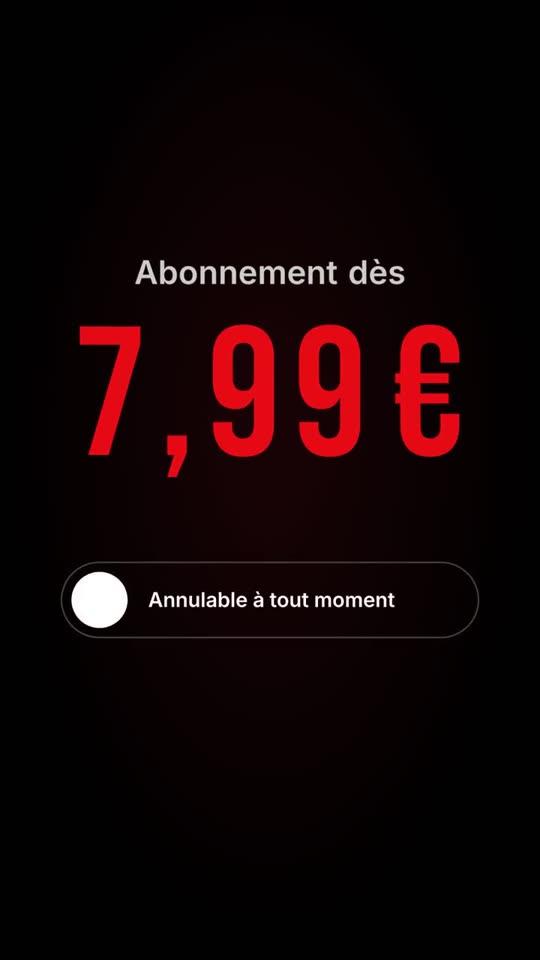
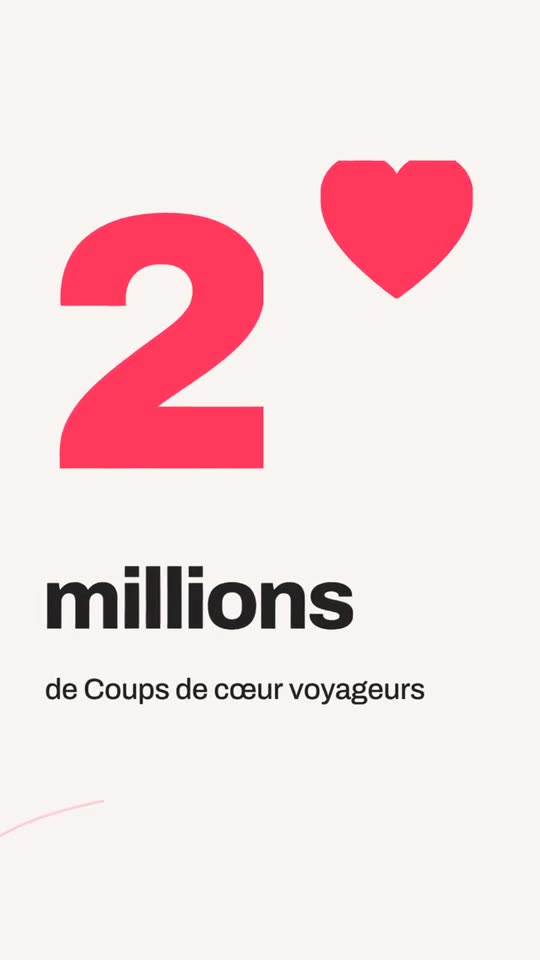
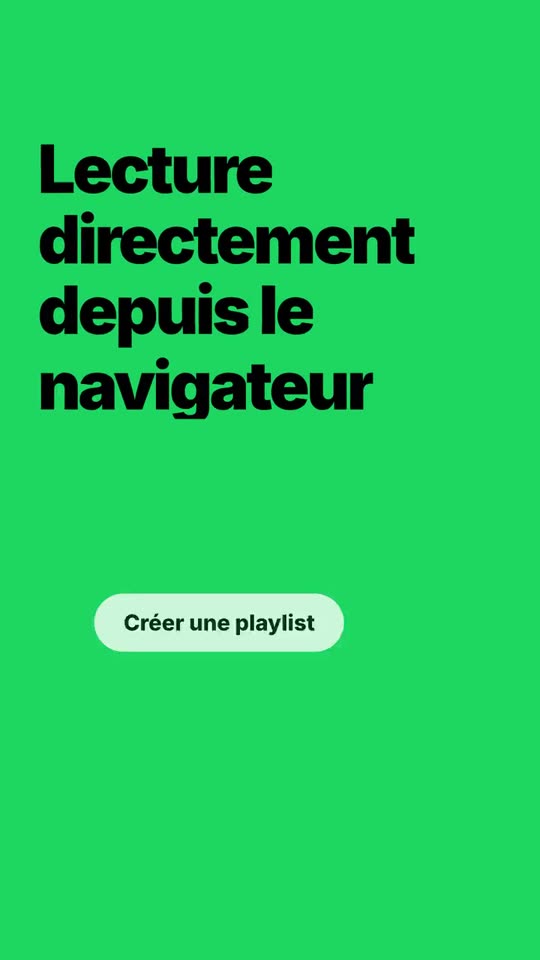
What you get
Designed motion, not effects
Easing, anticipation and overlap are built into every move, the way a motion designer would set them.
Camera-style transitions
Whip-pans and push-throughs with depth of field replace slide wipes.
Synced to the sound
Edit and music share one rhythmic grid, so cuts land on the beat by construction.
A closed toolbox
The system picks from a fixed set of scene types, so the output stays coherent and on brand.
What AI motion graphics means here
There are two ways to use AI for motion. One is to ask a model to generate pixels from a text prompt. The other is to let software compose animation from structured material: your logo, your palette, your text, your interface components. MotionMaker takes the second route. The system chooses from a closed list of scene types and fills typed fields with content from your site. It does not improvise a free-form animation description.
The benefit is control. Your logo stays your logo, your colors stay your colors, and the words on screen are a faithful reformulation of your own copy. For the underlying theory, read what motion design is.
The motion principles it applies
- Easing: movement accelerates and settles instead of sliding at constant speed. See easing curves explained.
- Anticipation: an object makes a small preparatory move before it travels.
- Overlap: parts of a composition arrive one after another, not all in one block.
- Staging and depth: one layer is sharp at a time, like a lens focusing, so the eye knows where to go.
- Camera transitions: the film moves through space rather than cutting between flat slides.
These come from the classic principles of animation described by Frank Thomas and Ollie Johnston in *The Illusion of Life*. They are the difference between motion that looks designed and an image being dragged across the screen. The article on anticipation and overlap goes through them with examples.
Real interface, animated as layers
A screenshot is a dead bitmap and reads poorly in a vertical frame. MotionMaker reads the actual components of your site, such as cards, buttons, pricing tiers and forms, and replays them as native animated layers. Each layer can move separately, which is what makes the result look composed rather than pasted.
How it works
- Paste your website address.
- MotionMaker extracts the logo, colors, tone, text and interface components.
- Choose one of three film ideas; the idea shapes the sequence.
- Preview in the browser and edit scenes, logo, colors or arguments.
- Export a vertical MP4 at 1080×1920 and 30 fps.
When MotionMaker is not the right tool
It does not do character animation, 3D product renders from scratch, hand-drawn illustration or a bespoke title sequence. If you want a one-off, art-directed piece, a motion designer is the right person. The page on MotionMaker versus hiring a motion designer lays out where each fits.
From website address to finished film, in four steps
Paste your address
MotionMaker reads your logo, colors, tone, text and the real interface components of your site.
Pick a film idea
You get three film ideas. The one you choose drives the whole edit.
The film is cut
Shots, camera moves and rhythm are built around your brand, with nothing made up.
Tweak and export
Adjust shots, logo, colors and claims, then download the vertical MP4.
Frequently asked questions
- What is an AI motion graphics generator?
- Software that composes animated graphics automatically. MotionMaker builds them from your website’s logo, colors, text and interface rather than from a text prompt.
- Does it use stock templates?
- No. Scenes are assembled from your own brand material, using a fixed set of scene types, and the edit follows the idea you pick.
- Can I edit the result?
- Yes. You can change scenes, logo, colors and arguments before exporting.
- What do I get at the end?
- A vertical MP4, 1080×1920 at 30 frames per second, 15 to 25 seconds long.
- Is the music in sync with the animation?
- Yes. Music and edit share one rhythmic grid, so they line up by construction.
Keep reading
Paste your website address. The film follows.
Paste your address: your site is read, then your first film is made in your account. Free credits at sign-up, watermark-free MP4 films.
Nothing is made up: figures, reviews and names come from your site. The app interface is currently in French.