URL to TikTok video: make one from your website
Paste a URL and MotionMaker turns the page into a vertical 1080×1920 video you can upload to TikTok, built from the logo, colors, wording and real interface of that site.
- 1080×1920
- 30 fps
- MP4
- 15–25 s

What you get
Vertical by design
Every scene is composed for a 9:16 frame, not reframed from a wide shot.
Fast to the point
A 15 to 25 second film built around one idea you choose from three proposals.
Real product on screen
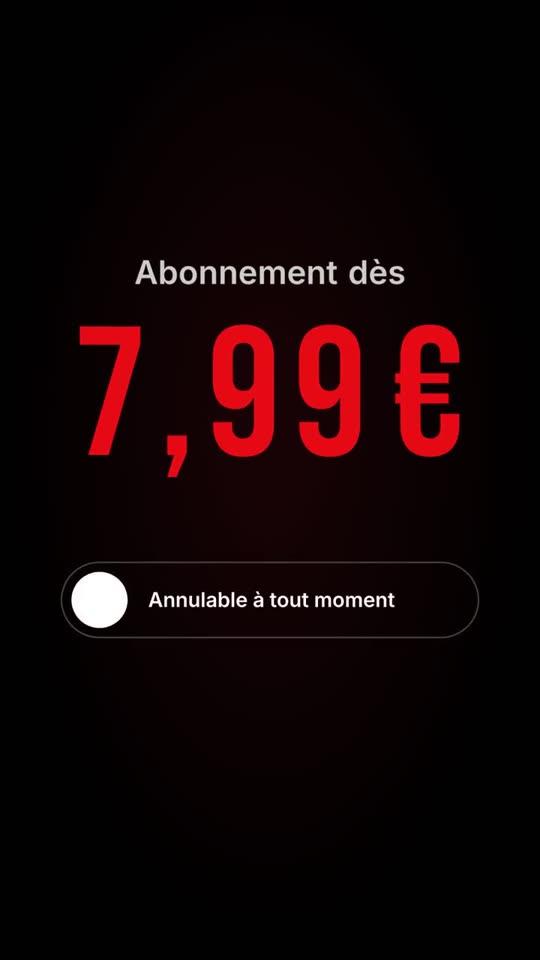
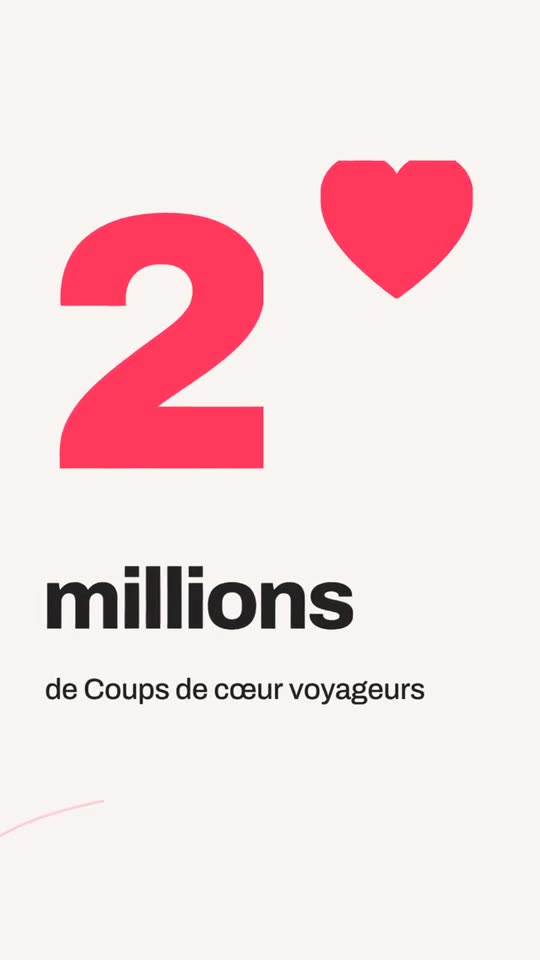
Interface components from your site are replayed as animated layers instead of flat screenshots.
No invented claims
Everything said on screen comes from your site or from what you type.
How to make a TikTok video from a link
- Paste the page address: a homepage, a product page, a landing page.
- MotionMaker reads the brand: logo, colors, tone, text, interface components.
- Choose one of three film ideas.
- Preview and edit scenes, logo, colors or arguments.
- Export the vertical MP4 and upload it to TikTok.
What suits this format
A site-built film works best for brand and product messages: a launch, a promotion, a feature that is easier to show than to explain, a proof point taken from your own pages, a hiring call. These are messages a website can already support with real content.
It is not designed to replace creator-style content: talking to camera, trends, duets, reactions. Those depend on a person. MotionMaker handles the polished brand piece and leaves personality-led content to you.
Motion that holds attention without gimmicks
Good short-form motion comes from craft, not from effects piled on. Objects take a small anticipation before moving, parts of a composition land in sequence rather than together, and easing curves make motion feel physical. Read how anticipation and overlap and easing curves shape that feel.
The camera does the transitions. Instead of a slide or a wipe, the film moves like a camera: a whip-pan or a push-through, with depth of field so only one layer is sharp at a time.
Make the first seconds count, honestly
In a feed, the opening frames decide whether someone stays. The useful move is to show the most concrete thing first: your real product screen, your real offer, a clear line of text. MotionMaker leads with what your site actually has, and the film idea you choose shapes how it opens. For a deeper look at composing for the frame, see the vertical video guide.
When MotionMaker is not the right tool
If you need live action, a voice recorded on camera, trending audio or a reaction to someone else’s video, you need to shoot it. If your site has very little content to read, the film will have little to say, and it will not invent more.
From website address to finished film, in four steps
Paste your address
MotionMaker reads your logo, colors, tone, text and the real interface components of your site.
Pick a film idea
You get three film ideas. The one you choose drives the whole edit.
The film is cut
Shots, camera moves and rhythm are built around your brand, with nothing made up.
Tweak and export
Adjust shots, logo, colors and claims, then download the vertical MP4.
Frequently asked questions
- Can I turn a URL into a TikTok video?
- Yes. Paste the address into MotionMaker, pick a film idea, then export a vertical 1080×1920 MP4 ready to upload to TikTok.
- What resolution and frame rate is the video?
- 1080×1920 at 30 frames per second, 15 to 25 seconds long.
- Does it use my real brand?
- Yes. It reads your logo, colors, tone and text, and replays real interface components from your site.
- Does MotionMaker post to TikTok?
- No. You download the MP4 and publish it yourself.
- Is it free to try?
- Yes. Creating an account gives free credits for your first films, without a watermark.
Keep reading
Paste your website address. The film follows.
Paste your address: your site is read, then your first film is made in your account. Free credits at sign-up, watermark-free MP4 films.
Nothing is made up: figures, reviews and names come from your site. The app interface is currently in French.