Product launch video maker: from your landing page to a film
MotionMaker turns your launch page into a vertical product launch video, using your real interface, logo, colors and wording, cut around one idea into a 1080×1920 MP4.
- 1080×1920
- 30 fps
- MP4
- 15–25 s
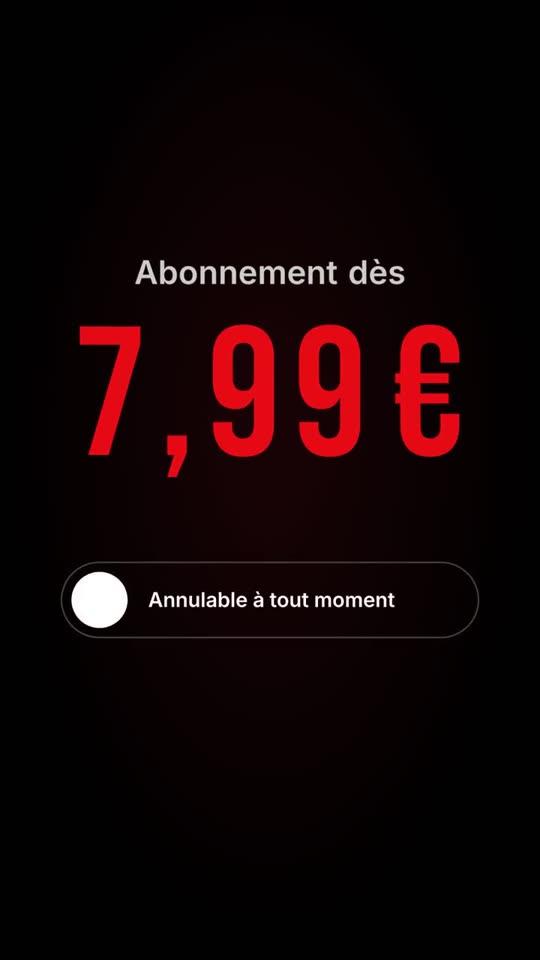
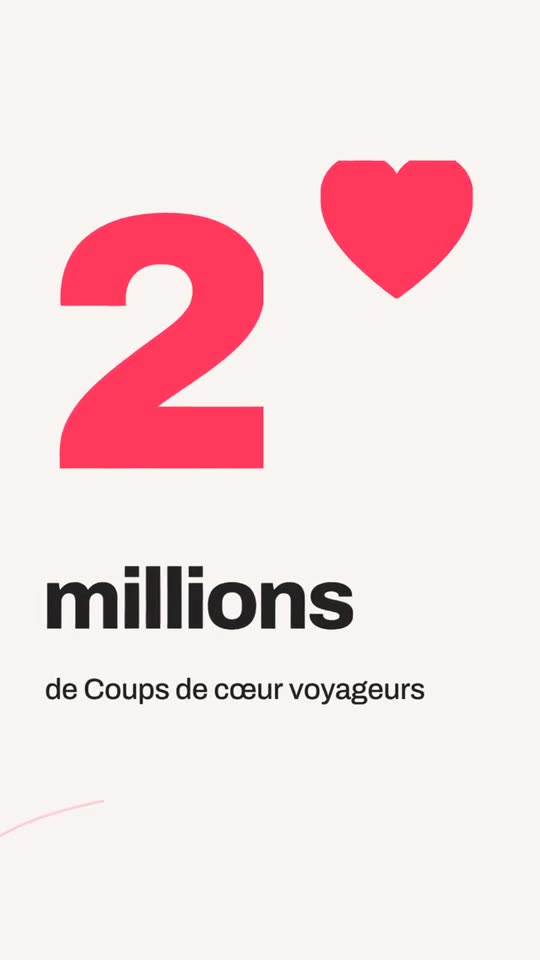

What you get
Your real product on screen
Interface components from the page are replayed as animated layers, not shown as flat screenshots.
Only what you published
Features, names and figures come from the page. Nothing is added.
A single clear idea
Choose from three film ideas so the launch has a through-line.
Ready to repost
A vertical MP4 you can use across short-video feeds.
What a launch video has to do
A launch film answers three questions in a few seconds: what is it, who is it for, and what changes for me. Most launch videos try to say everything and say nothing. The most useful ones show one real thing, the product doing one job, and state the promise in a single line.
How to make a product launch video from a landing page
- Paste the address of your launch or product page.
- MotionMaker reads the page: the headline, the key lines, the interface components and your brand identity.
- Choose one of three film ideas for the launch.
- Preview, then edit scenes, arguments, logo or colors if needed.
- Export the vertical MP4 and publish it.
Show the product as it is
People trust a product they can see. The interface components of your page, such as a card, a dashboard tile or a pricing block, are replayed as separate animated layers. Each can move with its own timing, which gives depth and makes the product legible even on a small vertical screen. See AI motion graphics for the principles used.
Keep the claims honest
Launch copy tempts exaggeration. MotionMaker will not add a number, a customer quote or an award that is not on your page. If the launch page does not carry a proof point, the film leaves out the proof scene. For why this matters, read why AI videos invent facts.
Keep going after launch day
A launch is not one post. The brand kit stays saved, so you can make a follow-up on the same kit: a feature close-up, a promotion, a proof point once you have one. Each video is a different message with a consistent look.
When MotionMaker is not the right tool
It does not produce a cinematic hero film, a 3D rendered product or a founder interview. For a campaign-grade, art-directed launch film, a studio is the right route; see MotionMaker versus hiring a motion designer.
From website address to finished film, in four steps
Paste your address
MotionMaker reads your logo, colors, tone, text and the real interface components of your site.
Pick a film idea
You get three film ideas. The one you choose drives the whole edit.
The film is cut
Shots, camera moves and rhythm are built around your brand, with nothing made up.
Tweak and export
Adjust shots, logo, colors and claims, then download the vertical MP4.
Frequently asked questions
- How do I make a product launch video?
- Paste your launch page address into MotionMaker, pick one of three film ideas, review the preview and export the vertical MP4.
- Will it show my real product?
- Yes. The real interface components from your page are replayed as animated layers.
- Can it add testimonials or numbers?
- Only if they are on your site or you type them. It never invents them.
- How long does the film run?
- 15 to 25 seconds, vertical, 1080×1920 at 30 frames per second.
- Can I make follow-up videos?
- Yes. The brand is saved as a kit, so each new video is a new message on the same kit.
Keep reading
Paste your website address. The film follows.
Paste your address: your site is read, then your first film is made in your account. Free credits at sign-up, watermark-free MP4 films.
Nothing is made up: figures, reviews and names come from your site. The app interface is currently in French.